CaPOS SmartKiosk
Self Ordering Restaurant System for Modern Restaurants
A floor-standing self-ordering kiosk that turns line-waits into upsell opportunities. Guests browse, customize, and pay at their own pace while your front-of-house team focuses on service. Average ticket climbs, line speed doubles, and your staff stops apologizing for the wait.
Talk to an Expert - Free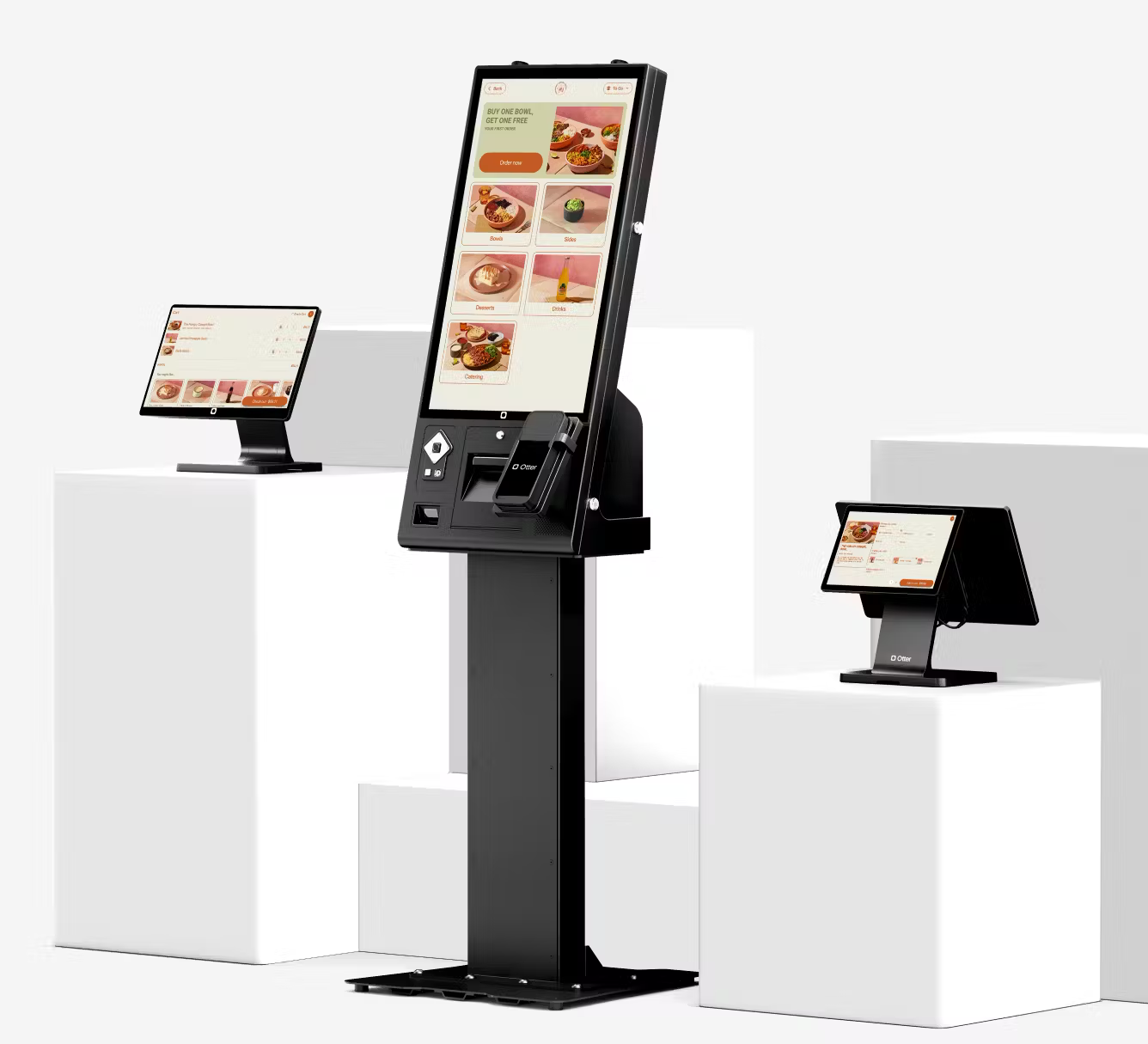
Quick-Service
The line that doesn't form.
At lunch rush, three SmartKiosks process more orders than four cashiers — without the line ever feeling stuck. Guests skip the wait, your team focuses on assembly and quality, and the front of house transforms from a bottleneck into a service zone.
- Each kiosk handles 60–90 orders per hour during peak — 3× the throughput of a cashier station.
- Auto-suspending screens prompt the next guest the moment one walks away.
- Touchscreen + voice option means accessibility for guests of every ability.
Fast-Casual
A bigger menu, without a bigger cashier.
When your menu has 60 items and 12 modifiers each, no cashier can keep them straight. SmartKiosk does. Guests browse the full menu, customize precisely, and never feel rushed. Average tickets climb because every modifier surfaces — not just the ones a cashier remembers to suggest.
- Full menu visibility means guests order items they never knew existed.
- Modifier-rich items (build-your-own bowls, customizable burritos) become effortless to order.
- Allergen filters let guests browse only items that fit their dietary needs.
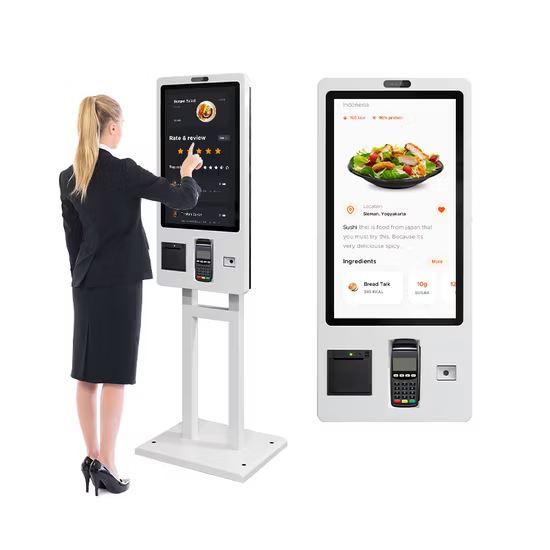
A kiosk built for retail-floor punishment.
Industrial hardware, intuitive software.
Display
22-inch or 27-inch FHD multi-touch, optically bonded, anti-glare coating.
Footprint
Floor-standing pedestal (1.45 m tall) or counter-mount (0.55 m tall) — choose by floor space.
Payment
Integrated PCI-compliant payment terminal — tap, chip, swipe, NFC, contactless wallets.
Printer
Built-in 80 mm thermal receipt printer with auto-cutter, 200 mm/s print speed.
Connectivity
Gigabit Ethernet, dual-band Wi-Fi, Bluetooth 5.0 — no dongles, no USB hubs.
Accessibility
Height-adjustable for wheelchair access, screen-reader compatible, AODA-compliant.
Durability
Tempered glass display, locked enclosure, tamper-evident seal — ready for a public retail floor.
Branding
Custom wrap panels, brand colors in UI, idle-screen video reel — your kiosk, your brand.
Pairs with the rest of your CaPOS stack.
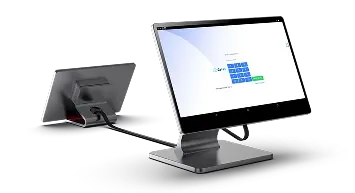
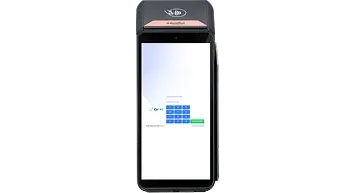
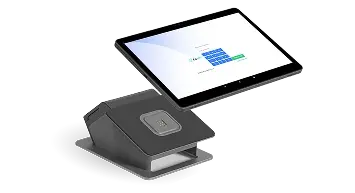
The self ordering restaurant system that lifts every check
SmartKiosk is a Self Ordering Restaurant System built for Canadian QSR, fast-casual, and high-volume café operators who are tired of watching lines stall at the counter. Guests browse the full menu at their own pace, customize every modifier, and pay without waiting on a cashier — so the line keeps moving and your average ticket climbs. On-screen upsell prompts surface combos and add-ons every single time, not just when a busy cashier remembers to ask.
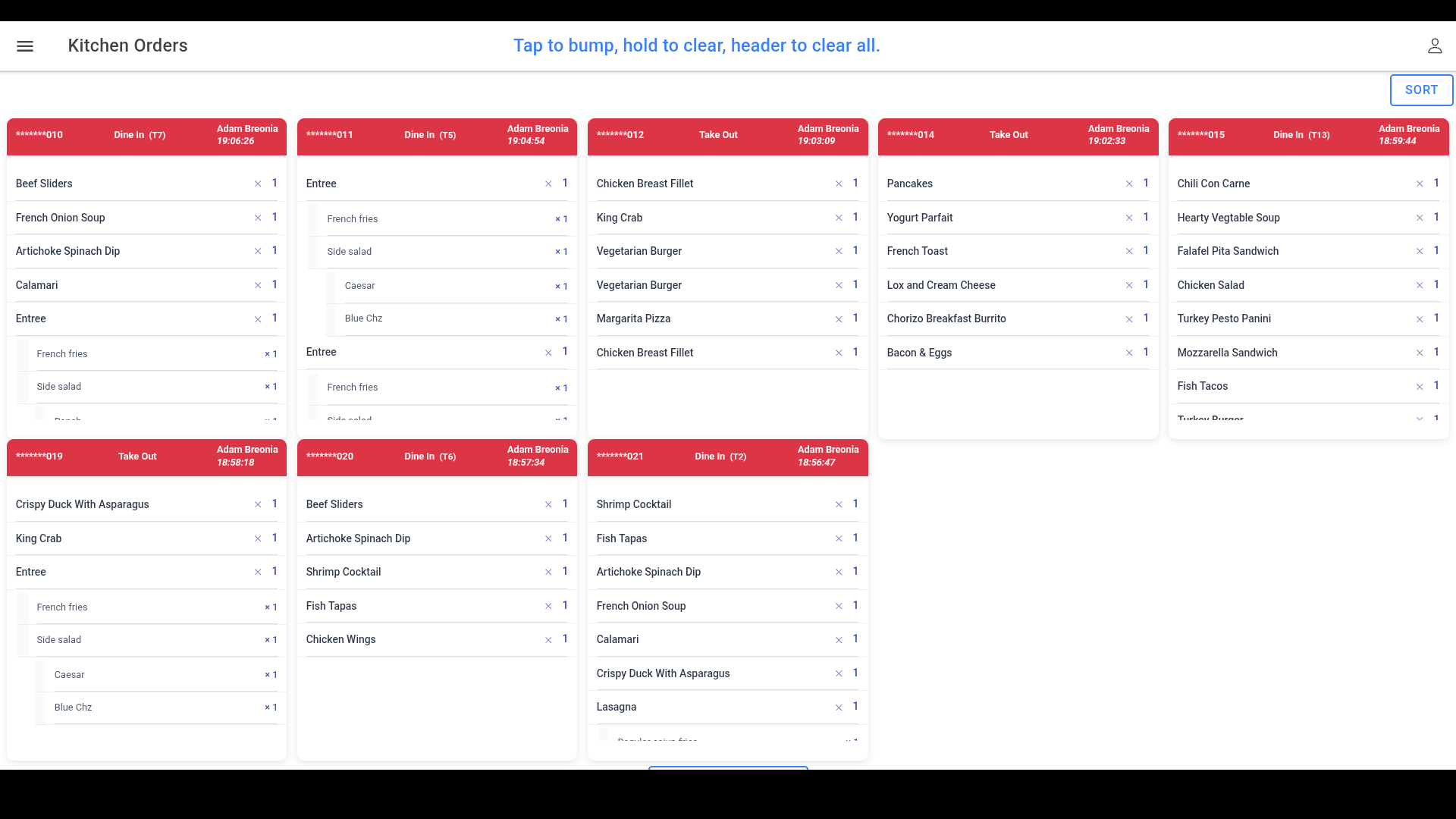
Because guests order for themselves, your front-of-house team stops typing tickets and starts running food, greeting tables, and fixing problems before they happen. Orders fire straight to the kitchen the moment payment clears, which keeps accuracy high and transcription errors out of the back of house. Tap, chip, Apple Pay, Google Pay, and Interac Flash are built into every kiosk, and sales with GST/HST/PST reconcile automatically into your CaPOS reporting. A bilingual, multilingual interface lets English and French-Canadian guests order confidently, while AODA-compliant, height-adjustable hardware keeps the counter accessible to everyone.
Every SmartKiosk comes with $0 setup, full menu mapping, and 24/7 Canadian support that ships overnight replacements to major cities. Whether you run one busy location or twelve, this self-ordering system pays for itself in faster lines and bigger orders. Book a free demo and see how SmartKiosk fits your counter.